
“Where did this change…?” That Small, Annoying Stress
When you’ve fixed a few lines of code or want to compare a configuration file with its backup… staring at the screen and thinking, “I definitely changed it, but why isn’t it working?” is a moment every engineer wants to avoid.
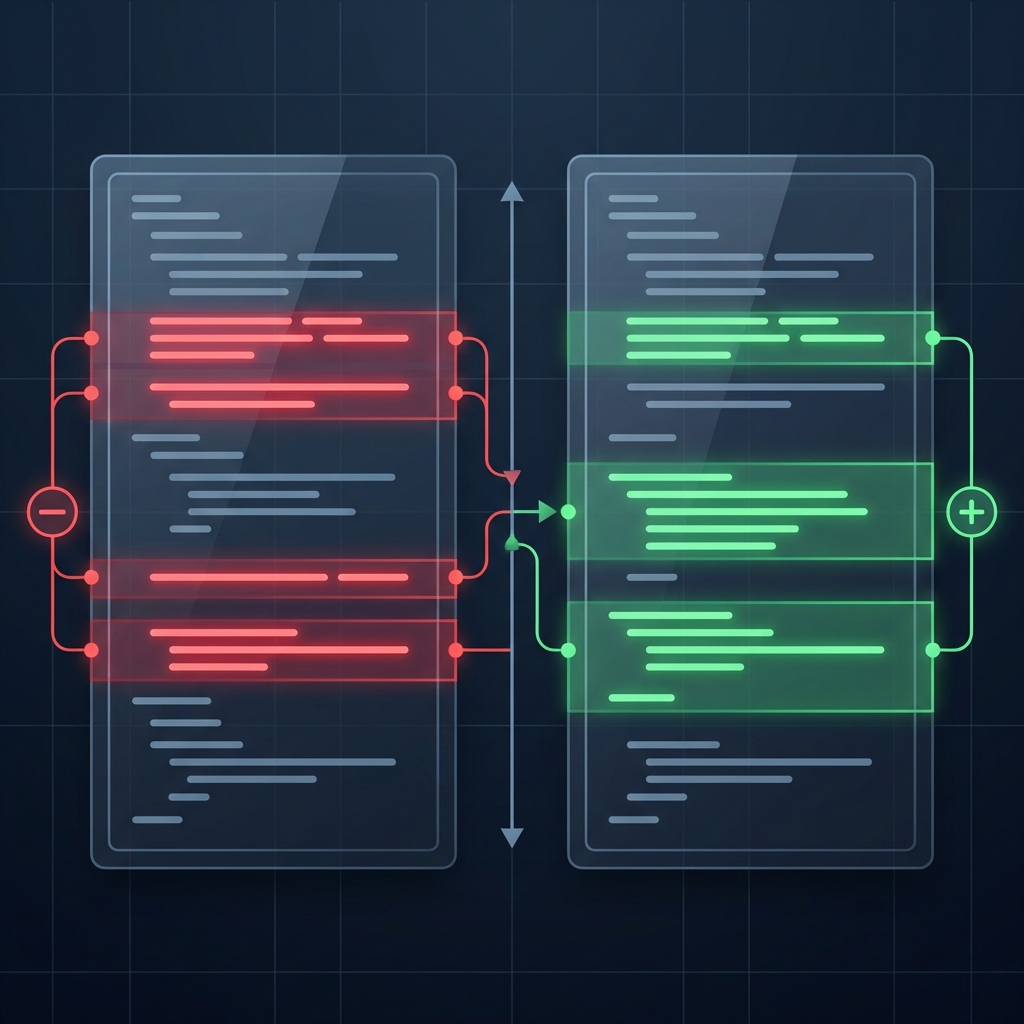
In those moments, a Diff tool acts like a flashlight illuminating the darkness. By placing “Before” and “After” side-by-side and highlighting the changes, you are freed from the task of manually scanning for differences with your own eyes.
The “Hidden Risks” of Online Tools
If you search for “Diff tool” online, you’ll find many convenient services. But have you ever felt a sudden pang of anxiety?
“Wait, does this pasted config file contain API keys or customer info?”
“Is it really okay to send this confidential data to a free tool’s server?”
Especially when comparing log files or sensitive documents, sending data to a server is a significant risk. Working while feeling a nagging sense of unease isn’t healthy for a professional developer.
The Ultimate “Peace of Mind”: No Data Transfer
DevToolKits’ Text Diff Tool was built with an engineer’s “psychological safety” as the top priority.
Our biggest commitment is that we “don’t send a single byte outside.” Try pressing the “Compare” button while keeping your network tab open. You’ll be surprised to see that absolutely no requests are sent.
Features Built for Engineers
- Side-by-Side Display: Compare left and right for intuitive understanding of changes.
- Line and Character Highlighting: Track not just which lines changed, but exactly “which word” was modified.
- Lightweight and Fast: Since processing happens entirely within your browser’s power, it operates incredibly smoothly.
Conclusion
A Diff tool is an engineer’s “second pair of eyes,” and those eyes must be trustworthy.
By knowing your data stays strictly in your hands, you can transform the task of comparing confidential documents or code into something far more free and effortless.
💡 Tip: If you’re getting diffs just from differences in indentation or line endings, try turning on “Ignore Whitespace” in the settings. This lets you extract only the essential changes in content.