
“Can I Get This Data in Excel?”
Have you ever spent a lot of effort organizing data in a clean JSON format, only to have a neighboring team ask for it in Excel? Or conversely, have you ever looked at a massive CSV file from a marketing department and thought, “Now I have to manually convert this to JSON for my program…”?
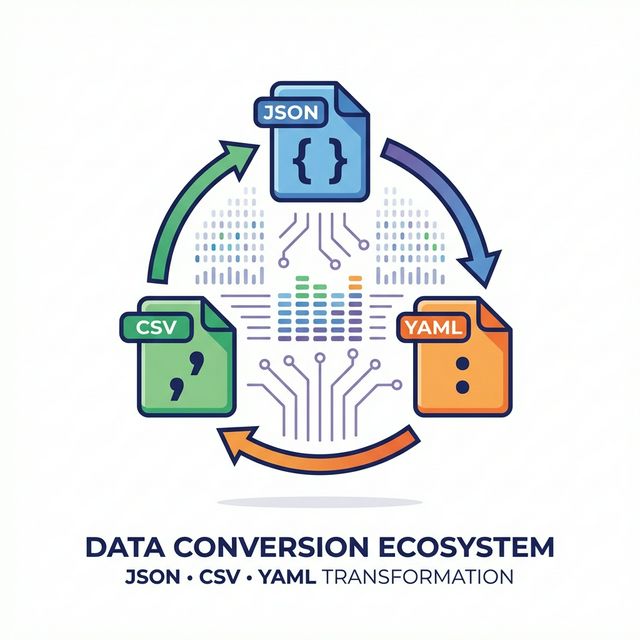
In the world of system development, there are three “major languages”: JSON, CSV, and YAML. Each has its strengths, and each has its fans. Being able to move freely between them will make team collaboration much smoother.
The Three Formats: Their Respective “Roles”
-
JSON: The Modern “Common Language”
- Character: The format computers are best at handling.
- When to Use: Exchanging data via Web APIs.
- Advantage: It can represent complex nested structures (parent-child relationships) exactly as they are.
-
YAML: The Human-Friendly “Memo”
- Character: No extra brackets, making it incredibly easy to read.
- When to Use: Configuration files for GitHub Actions or Docker.
- Advantage: It supports comments, so you can leave notes on “why this setting was chosen.”
-
CSV: The Business World’s “Power Tool”
- Character: Simple and clear tabular format.
- When to Use: Bulk data uploads or analysis in Excel.
- Advantage: Even with a lot of data, files remain lightweight, and compatibility with spreadsheet software is unmatched.
Conversion Should Be More “Free”
To turn JSON into CSV or make a config file more readable by changing it to YAML, you shouldn’t have to spend time manually deleting brackets or adding commas. That time is better spent on more creative work.
DevToolKits’ CSV ⇔ JSON Converter and JSON ⇔ YAML Converter will instantly transform your pasted data into its “other face.” Even magical processes like flattening complex nested JSON into a CSV that opens in Excel happen in an instant if you leave it to the tools.
Conclusion
Data formats are like “clothes for information.”
Changing them into the optimal “outfit” for the situation (who you’re giving it to and for what purpose) is part of being a thoughtful engineer.
Go forth, tear down the barriers between data formats, and enjoy more free information integration!