
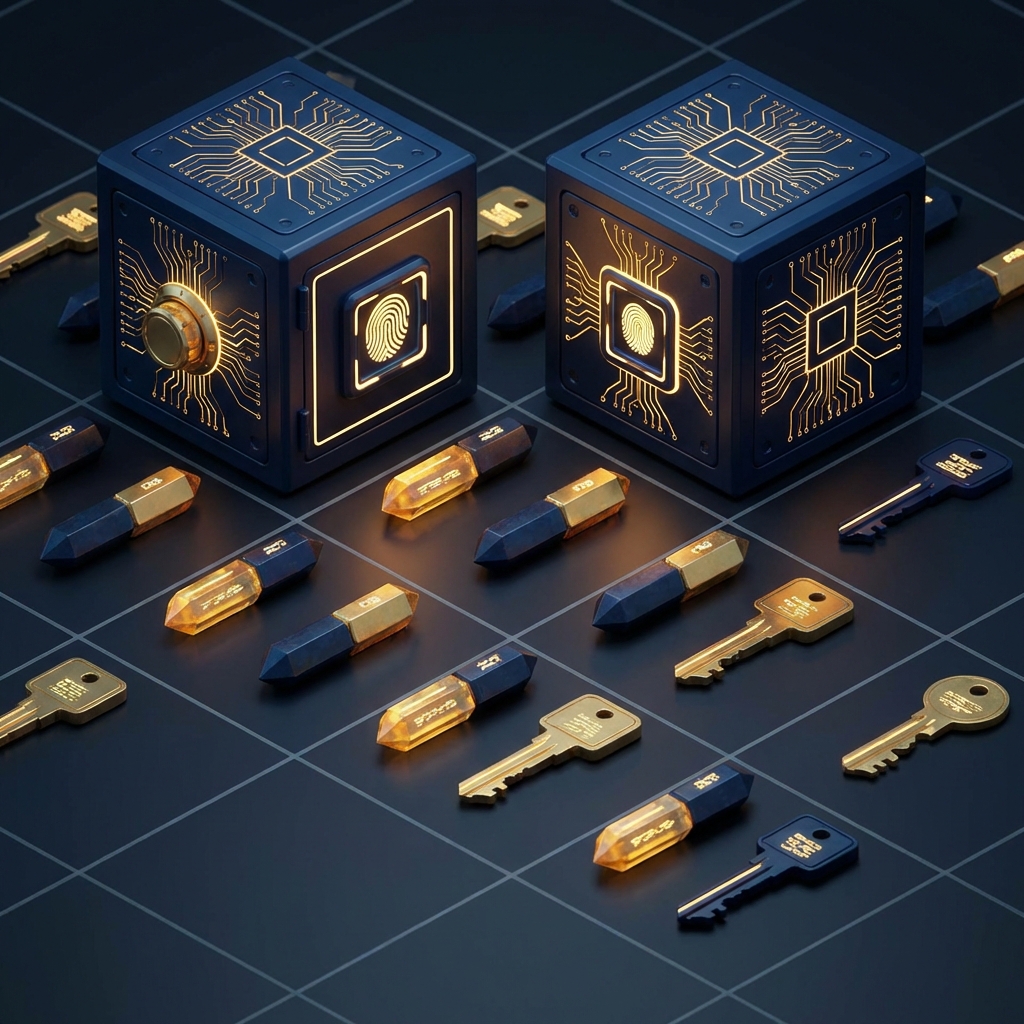
“Where did I put that public key?”
When using public-key methods like RSA for JWT signature verification, you almost always run into the same brick wall: “How do I distribute my public key safely?” and “When I update the key, do I have to rewrite the configuration on every single server?”
That’s where JWKS (JSON Web Key Set) comes in to solve your headaches with style.
JWKS: The “Showcase” of Public Keys
JWKS is exactly what it sounds like: a “set of keys written in JSON format.”
The authentication server (like Auth0 or Cognito) publishes this JSON at a specific URL, and the API server that needs to verify tokens simply goes there to read it.
Think of it as a “public showcase where the latest public keys are displayed for anyone to take and use.”
Why You’ll Love JWKS
- Automatic Rotation: When you update a key, you only need to swap the content in the showcase. Your API servers will automatically pick up the latest key by checking the URL.
- Manage Multiple Keys Simultaneously: You can keep both “old” and “new” keys in the same set, making the transition period smooth and seamless.
- World Standard: Since it’s widely adopted by OAuth 2.0 and OIDC, most modern libraries support it right out of the box.
Inside JWKS: It’s Just JSON
While it might sound complex, the structure is quite simple. It’s essentially an array named keys containing individual key information:
{
  "keys": [
    {
      "kty": "RSA",           // Key type (e.g., RSA)
      "use": "sig",           // Use (for signatures!)
      "kid": "my-key-2024",   // Key Identifier (like a name)
      "n": "...",             // Public key data part 1
      "e": "AQAB"             // Public key data part 2
    }
  ]
}
Experience the “Maker” Side of JWKS with DevToolKits
By using our JWKS Generator, you can create the key pairs needed for development and testing entirely within your browser.
You can generate both “Public Keys (JWKS format)” and “Private Keys (PEM format),” making it perfect for testing local authentication implementations. Since everything happens in-browser, your private keys are never at risk of leaking onto the internet.
Conclusion
JWKS is a brilliant invention that makes complex key management simple, secure, and computationally efficient.
By understanding and mastering this mechanism, your authentication system will become far more sophisticated. Next time you’re unsure how to “distribute your keys,” just remember the magic of the showcase.