
Tools mentioned in this article
Open the browser-based tool while you read and try the workflow immediately.
“This query is too dense to read…”
A massive SQL query flattened onto a single line by a production system. A stored procedure where nested JOINs pile up like a maze. “Where does this condition branch?” — staring at a wall of SQL like that is a familiar frustration.
The SQL Formatter reformats pasted SQL entirely inside your browser, so even sensitive production queries never leave your machine.
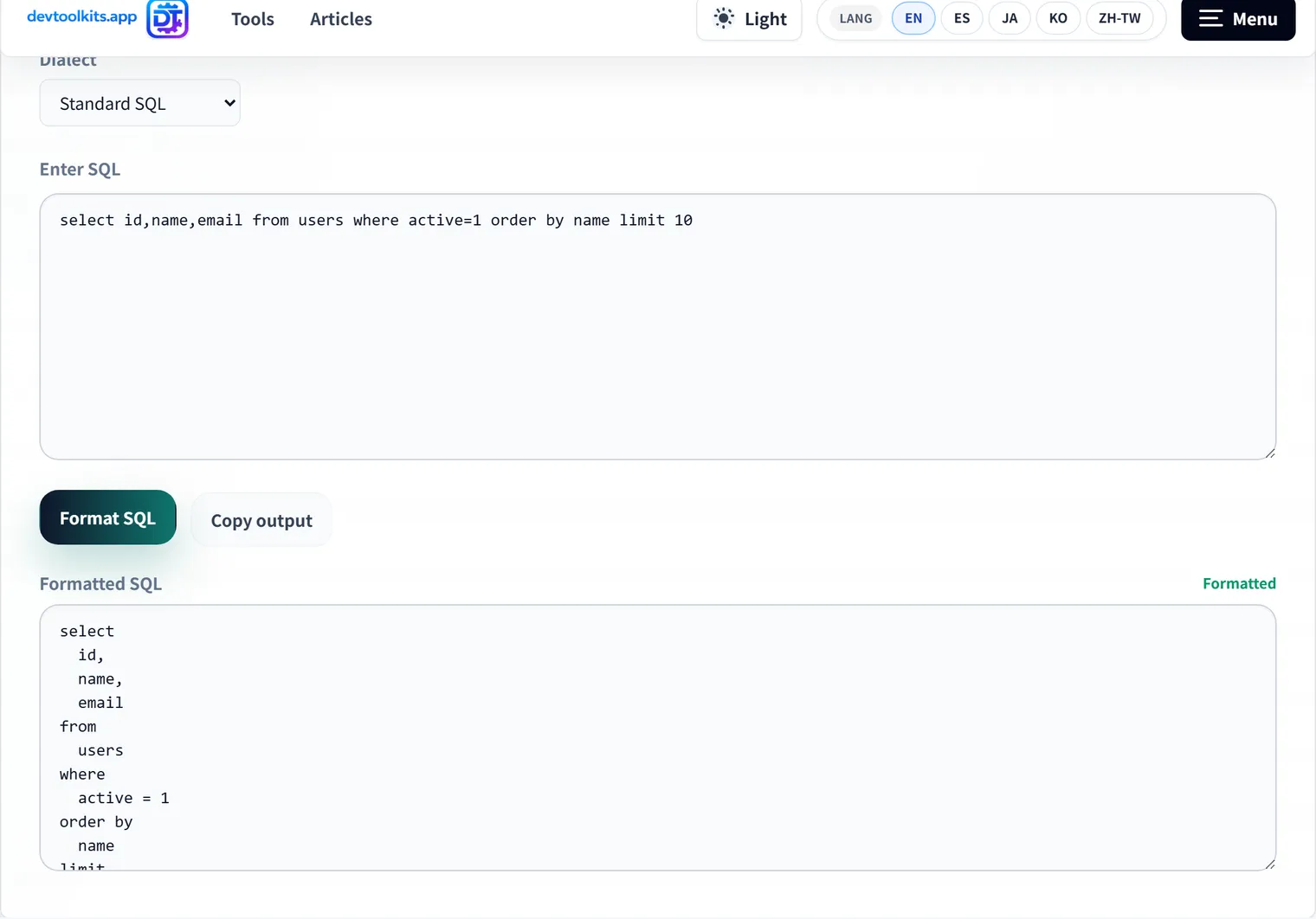
Before / after
select users.id,users.name,count(orders.id) from users left join orders on users.id=orders.user_id where users.deleted_at is null group by users.id,users.name order by users.id desc;SELECT
users.id,
users.name,
COUNT(orders.id)
FROM users
LEFT JOIN orders ON users.id = orders.user_id
WHERE users.deleted_at IS NULL
GROUP BY
users.id,
users.name
ORDER BY users.id DESC;Just cleaning up the layout makes missing conditions, JOIN direction, and aggregation granularity much easier to spot.
Why dialect selection is mandatory, not optional
A SQL formatter has to tokenize and understand the syntax before it can decide where to break lines and indent. That means dialect-specific extensions directly affect whether formatting succeeds at all.
| Dialect difference | Standard SQL | MySQL | PostgreSQL | BigQuery |
|---|---|---|---|---|
| Identifier quoting | "name" | `name` | "name" | `project.dataset.table` |
| String concatenation | || | CONCAT() | || | || |
| LIMIT syntax | LIMIT n | LIMIT n | LIMIT n OFFSET m | LIMIT n |
| Arrays/structs | non-standard | unsupported | ARRAY[...] | STRUCT<...> |
Parse MySQL’s backtick-quoted identifiers as Standard SQL, for instance, and token boundaries can shift enough to break the formatting entirely. Most “the formatter output looks wrong” reports trace back to picking the wrong dialect. The tool supports PostgreSQL, MySQL, MariaDB, SQL Server, BigQuery, and more — match it to the database you’re actually working with, and re-formatting happens automatically whenever you switch dialects.
What to check during SQL review
Once formatted, a few extra checks raise the quality of the review itself.
- Does the
WHEREclause do what you think it does? - Are any
JOINconditions missing? - Is the choice between
LEFT JOINandINNER JOINcorrect? (See SQL JOIN Types: Complete Reference for the full breakdown.) - Is the
GROUP BYgranularity what you expect? - Are
ORDER BY/LIMITpresent where they’re needed? - Are subqueries and CTEs each doing one clear job?
SQL pulled from logs tends to have every placeholder expanded, making it especially long. Formatting before reading can cut investigation time substantially.
Formatting does more than improve appearance
The real payoff isn’t cosmetic — it shows up in three places:
- Early syntax error detection — a parse failure means something is broken; it’s a free sanity check before you run the query
- Stable diffs — with a fixed formatting rule, a query change’s diff reflects only the meaningful edit
- Decoding machine-generated SQL — a single-line query an ORM spat out only becomes legible once formatted
The first point is easy to overlook: mismatched parentheses or a missing comma will surface as a formatting failure, catching mistakes before you ever execute the query.
FAQ
Does it support MySQL and PostgreSQL SQL?
Yes — Standard SQL, MySQL, PostgreSQL, MariaDB, SQL Server, and BigQuery are all supported. If your SQL uses dialect-specific syntax, double-check it before execution regardless.
Does formatting change what the SQL does?
No. Formatting only adjusts whitespace, line breaks, indentation, and keyword casing — the query’s meaning (its result) doesn’t change. Still, always confirm the formatted version matches your intent before running it.
What happens if I pick the wrong dialect?
Identifier quoting and keyword interpretation can shift, leading to broken indentation or unexpected line breaks. If formatting output looks wrong, check the dialect selection first.
Is it safe to paste SQL containing sensitive data?
Yes. Formatting happens entirely in your browser with no network calls — table and column names never leave your machine.
Summary
- The formatter itself is a one-line delegation to a library, but dialect selection is the parameter that actually determines the result
- A single identifier-quoting difference can change how the query parses — match the dialect to your actual database
- Formatting isn’t just cosmetic: it catches syntax errors early, stabilizes diffs, and decodes machine-generated SQL
Next time you pull a query out of a log, give it a pass through the formatter first.