
Background: A Late-Night “Near Miss”
As an engineer, verifying subtle code changes or checking differences in configuration files is a daily occurrence.
Late one night, while engrossed in debugging, I was trying to compare two large log files. As usual, I searched for “Diff tool online” in my browser, opened the first site that appeared, and was about to paste the text.
In that moment, I froze, and a cold sweat ran down my back.
“Wait a minute—does this log I’m about to paste contain customer email addresses or authentication tokens?”
Many online tools send the entered data to a server-side process, run the diff algorithm there, and then return the result. Even without malice, the possibility of that data remaining in server logs or being cached is not zero.
“It’s convenient, but scary.” I wanted to use the power of technology to remove this psychological barrier unique to engineers.
That was the biggest motivation behind developing the Diff Tool for DevToolKits.
Technical Ingenuity: Packing “Intelligence” into the Browser
To achieve “keeping data from ever leaving,” all the difference calculations normally done on a server must be completed within the user’s browser.
1. Balancing Stability with the “Engineer’s Eye”
Diff algorithms are surprisingly deep, and even with an in-house implementation, bugs tend to crop up in edge cases. Therefore, we adopted the proven jsdiff library.
However, simply using the library as-is was not enough. To create a diff that an engineer feels is “easy to read,” we needed to finely control the handling of line breaks and the meaning of whitespace.
import { diffLines } from 'diff';

// Process line breaks clearly as line separators, not just as characters
// Configuration to achieve intuitive "line-based" comparison
const changes = diffLines(oldText, newText, { newlineIsToken: false });
By repeating these fine adjustments, we were able to reproduce the comparison experience we trust most, like a GitHub Pull Request, entirely within the browser.
2. Design by Subtraction
During development, I initially tried to include many decorative features. However, in the end, I returned to a simplicity that doesn’t hinder thought: “just input and compare.”
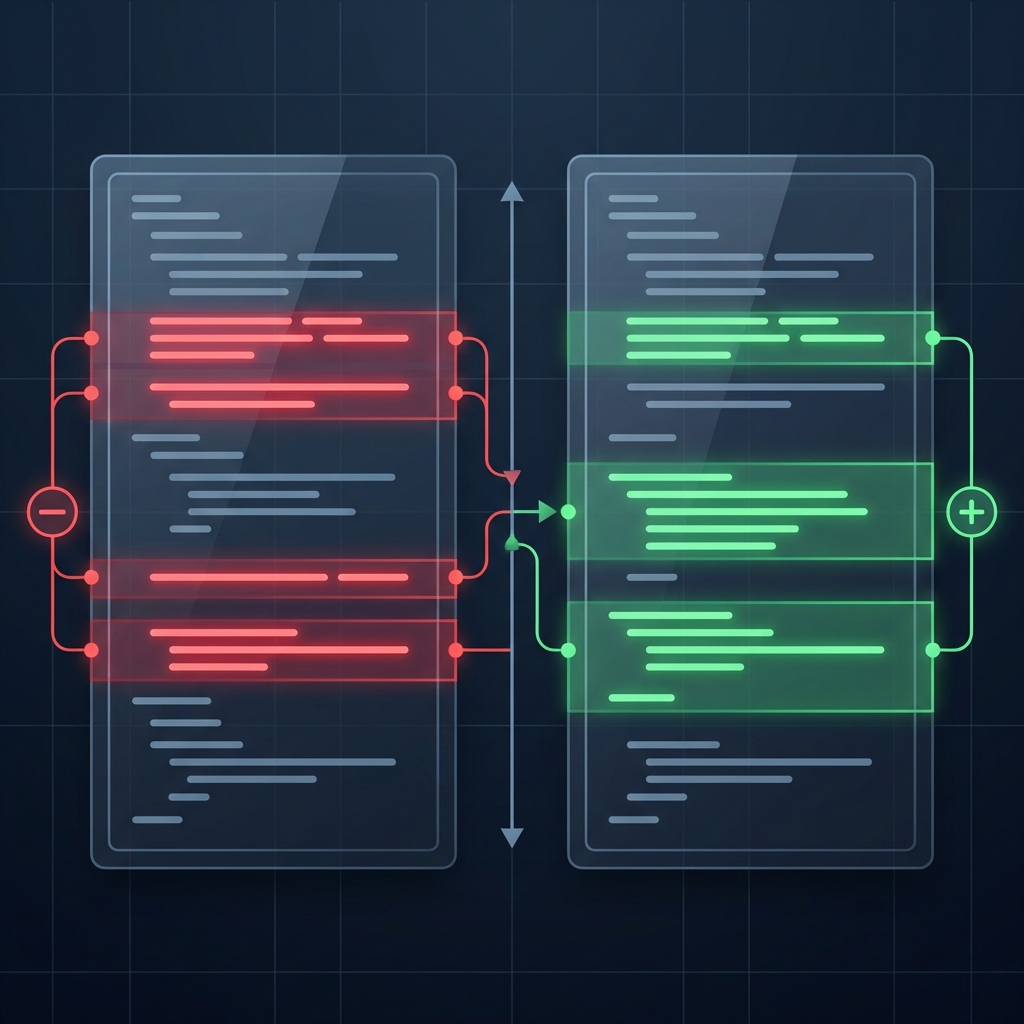
Even with the choice of colors, I used emerald (addition) and rose (deletion) with slightly reduced saturation so that eyes don’t get tired during long debugging sessions. I valued the texture as a “tool” that isn’t painful to use for hours, rather than flashiness.
An Obsession with “Server Distrust”
The thing I was most obsessed with in developing this tool was “not letting a single byte leak out.”
A sense of security that is completed only on memory, without going through a network.
“The data is always in my own hands.” Because of this certainty, professional developers can focus on their work with peace of mind. I believe that is the best UX a tool can provide.
Conclusion
The Diff tool is very simple, but behind it lies my own strong desire to “resolve engineer’s anxieties.”
Comparing highly confidential files, or final checks just before deploying to a production environment.
I couldn’t be happier if this tool serves as one of your “safe toolboxes.”