
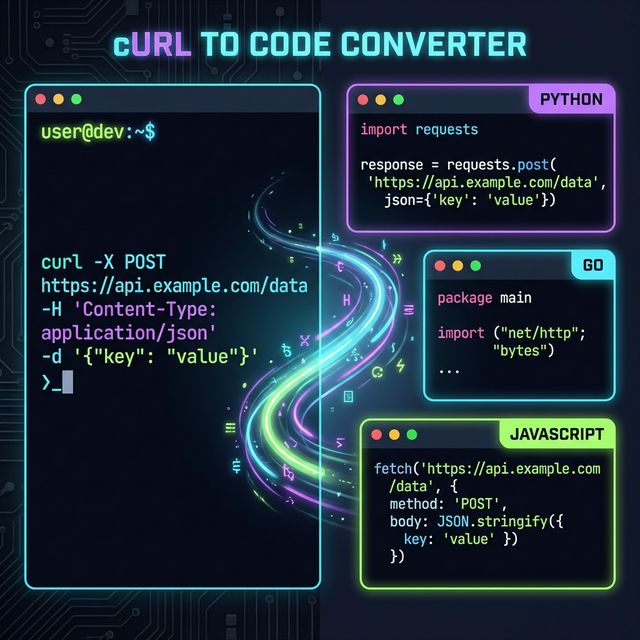
“Writing this cURL into code is such a pain…”
We’ve all been there: you use the “Copy as cURL” feature in your browser’s developer tools to test an endpoint. It works perfectly in your terminal, but the moment you need to integrate it into your own program (like Python or JavaScript), you suddenly hit a wall.
“How do I pass these headers again?” “How should I escape the JSON in the body?” Searching through documentation and transcribing the command character by character… let’s be honest, it’s not exactly the most exciting part of the job.
Finishing in Seconds: Just “Paste and Choose”
To solve that “little stress,” we created the cURL Converter.
The usage is surprisingly simple: paste your copied curl command on the left and select the language you want to use (JavaScript, Python, Go, Rust, etc.) from the menu on the right.
Instantly, the tool generates “working code” that you can paste directly into your project. It perfectly covers the syntax of major libraries like fetch, axios, and requests.
Your Secret API Keys Never Leave Your Browser
“It’s convenient, but is it safe to paste a command containing my private API keys into an external site?” That’s a perfectly valid concern.
That’s why the biggest priority for this converter is that “all processing is completed entirely within your browser (locally).” No data is ever sent to a server. Theoretically, it works even if you’re offline. It’s a privacy-first design, so you can paste requests containing sensitive information with complete peace of mind.
Conclusion
An engineer’s time is finite. Let the tools handle the tedious boilerplate code, and spend your energy on the creative part: “What will you build with that request?”
Small efficiency gains lead to a much better developer experience. Go ahead—convert those cURL commands into code in a snap and accelerate your development!